Page Mockup
The Objective

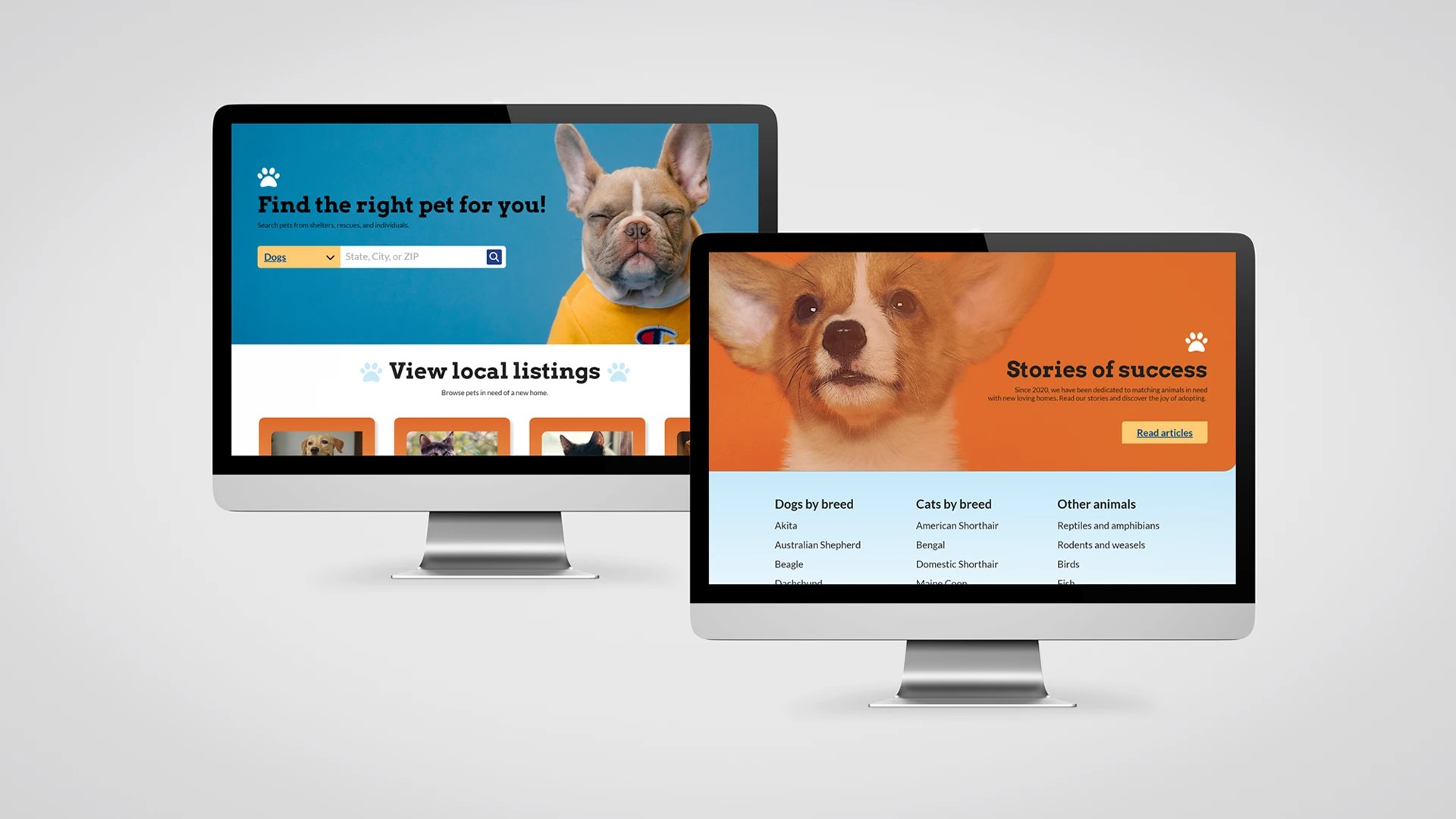
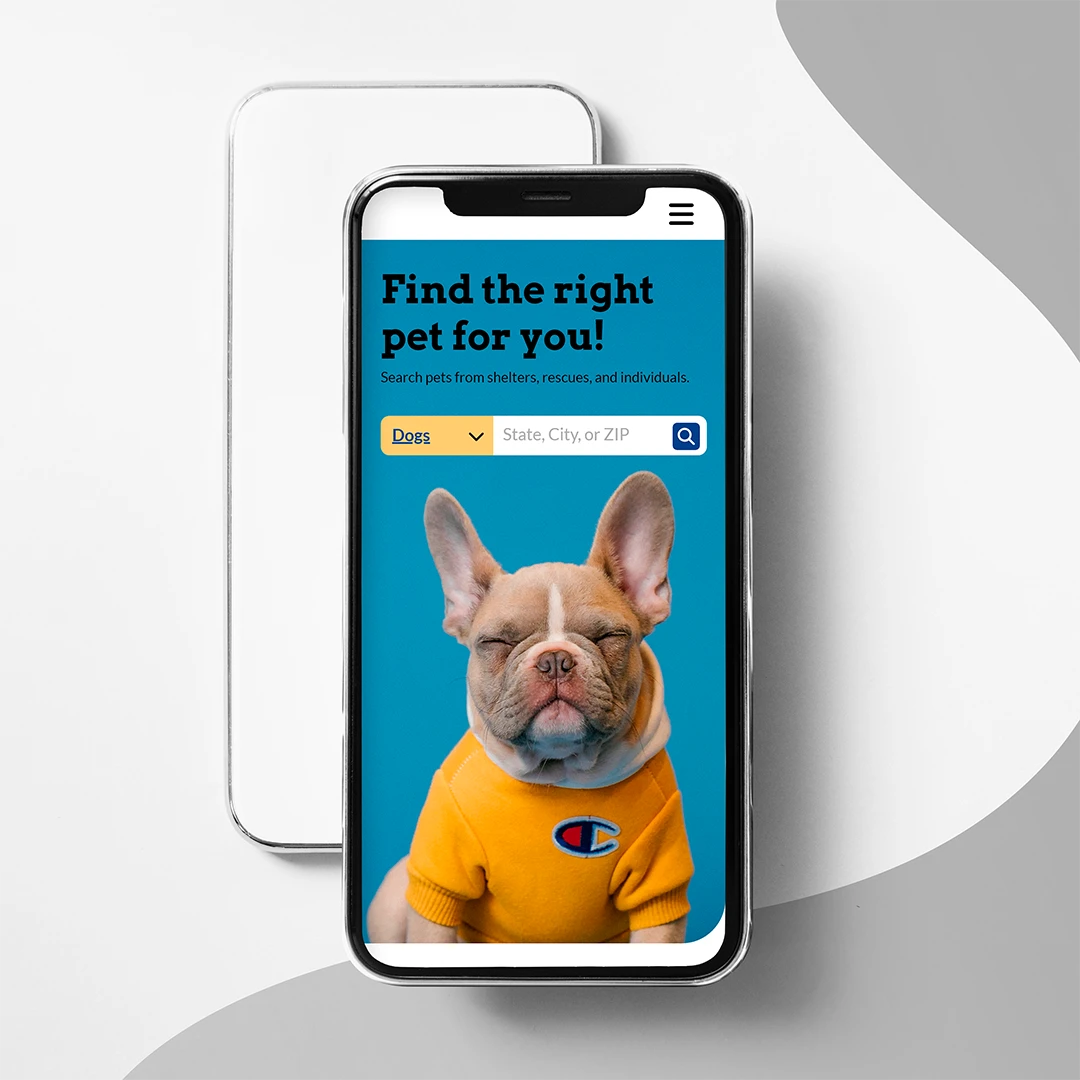
Creating a static and responsive webpage mockup utilizing Adobe XD.
The Method
Every building requires a foundation, and every website is built upon a design system. The goal of this project was to establish the visual style of a webpage and to construct a static "preview" out of it.
Given the choice of theme, I decided on a pet-centric design, as pet websites have straightforward imagery and objectives that would be simple to identify and replicate. (Also, who doesn't love puppies?)
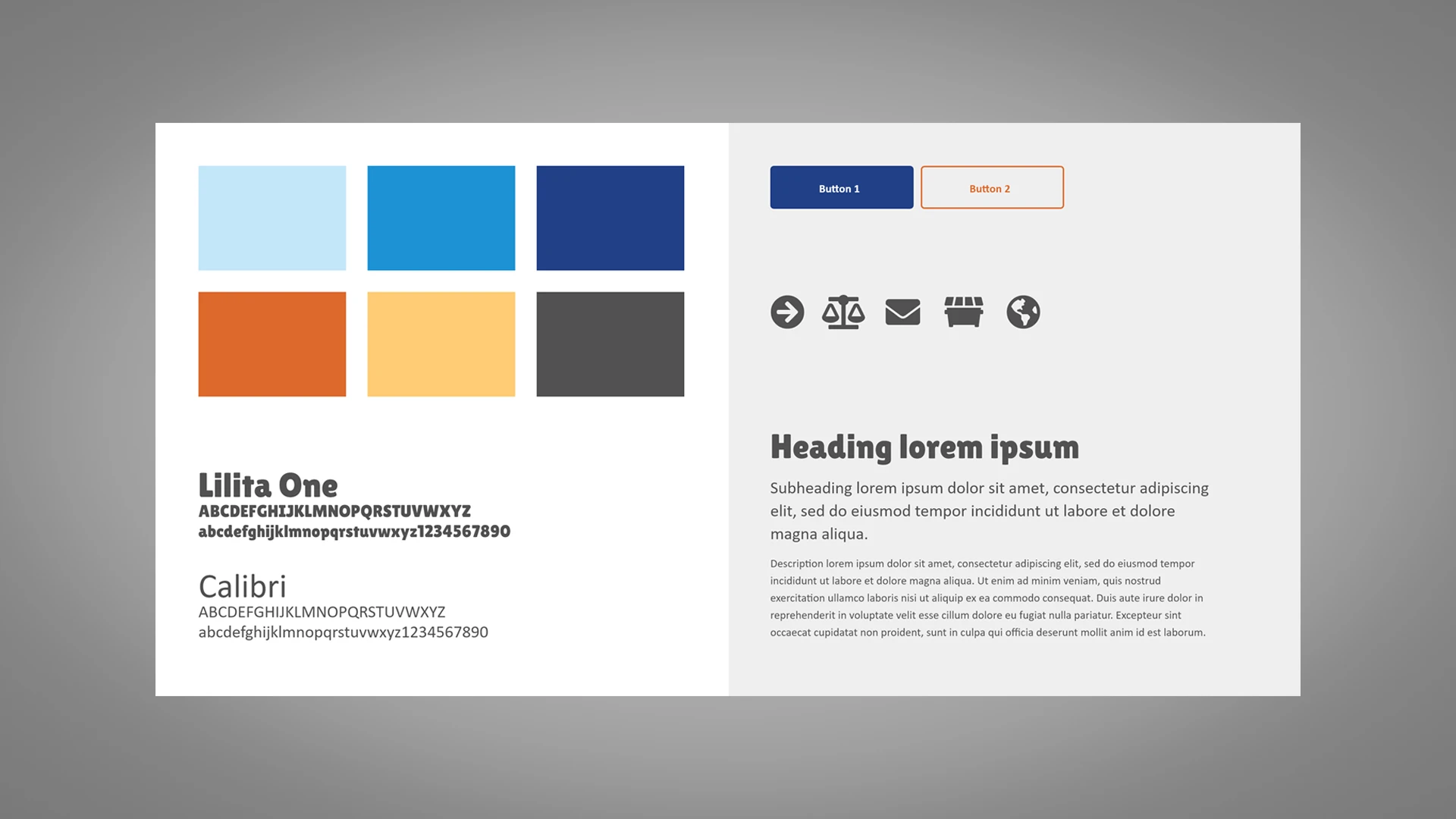
Moodboard establishing colors, fonts, and button styles.
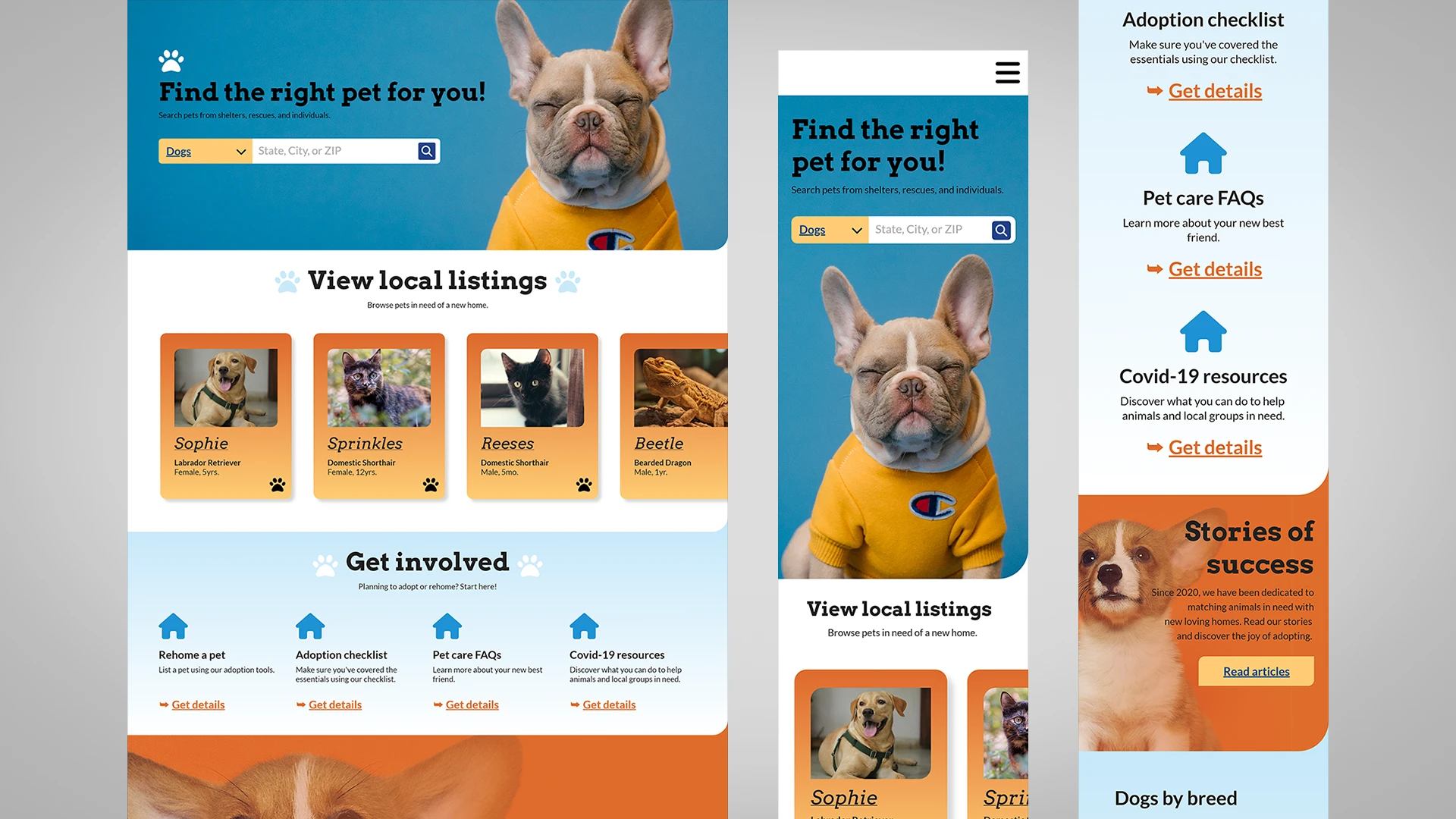
The mockup was created with three adjectives in mind: playful, inviting, and reliable. The first two descriptors are established in font and color choices, as well as the jolly directives of the site. Reliability is evident in the grouping of information and consistency of margins, font sizes, etc.
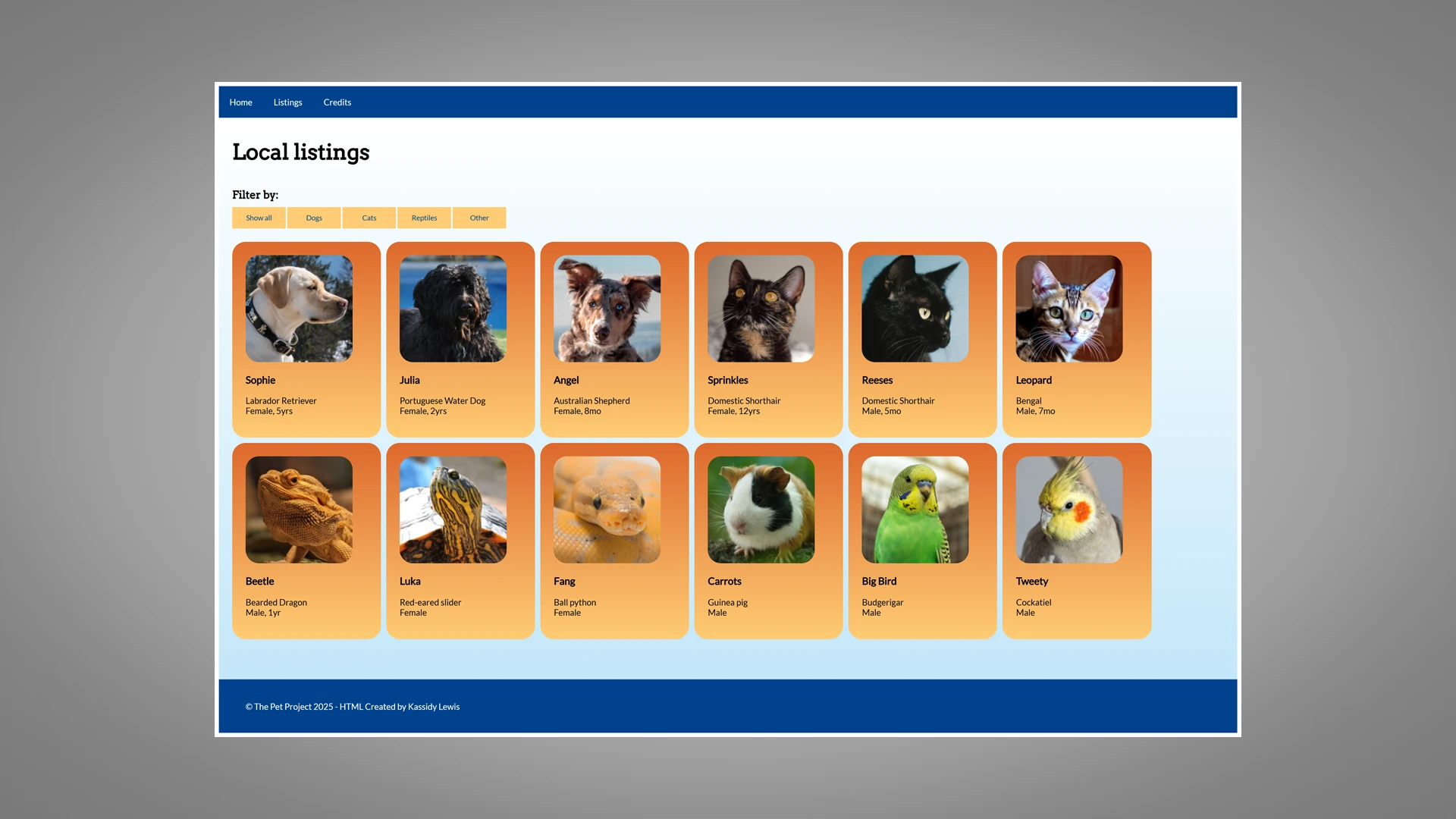
Animated elements were also considered, despite the mockup being primarily static. The end result would allow the user to scroll through and filter hundreds of local pet listings.
The Lesson
This project was a fundamental exercise in the prototyping capabilities of Adobe XD, as well as in responsive design, as it includes both desktop and mobile versions of the mockup. It encouraged the mobile-first mindset that I would later tap into while developing this portfolio website. The ideation period is also a crucial component of web development, and this project has familiarized me with the process.